MyMiniStudio
Your mini painting workflow in one studio.
Take your mini from bare plastic through to priming, painting, basing, and then beauty shot you're proud to share.
Bring your own digital models
Import STL, 3MF, GLB and OBJ files which you already own.
Don't have any models? We have lots of FREE starter projects just a click away!
Assemble and pose them. Add bits from other kits and kitbash your custom masterpiece.
Optimize the model for the best painting experience with a click of a button.
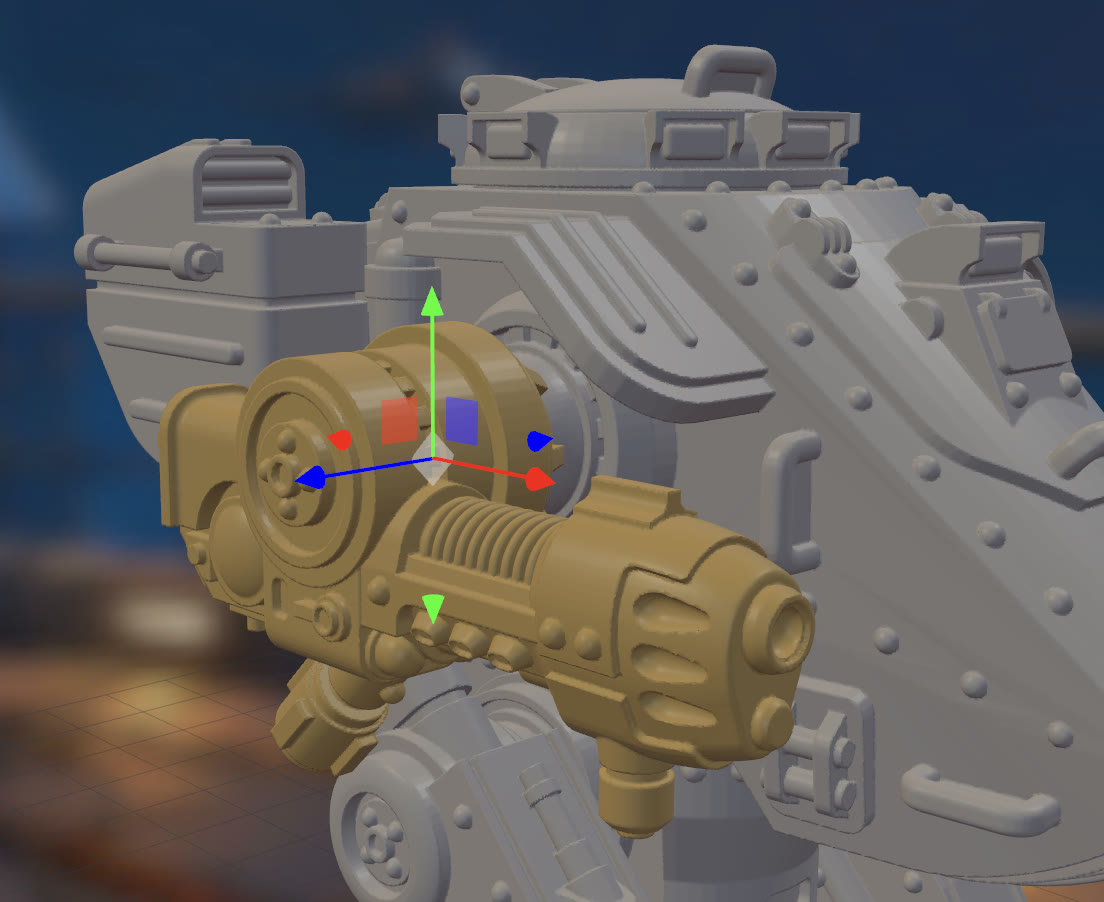
Model by Nate Feyma - Scout Walker
Prime your minis
Start off your paint job right with a proper undercoat. Zenithal priming catches the light from above, Directional sprays shape the volumes, and flat Base Coats give you a clean start.
Set up your model for advanced lights and shadows at this stage or move quickly with a slapchop technique.
Lot of classic primer colors to choose from including common metallics. Or create your own custom one.
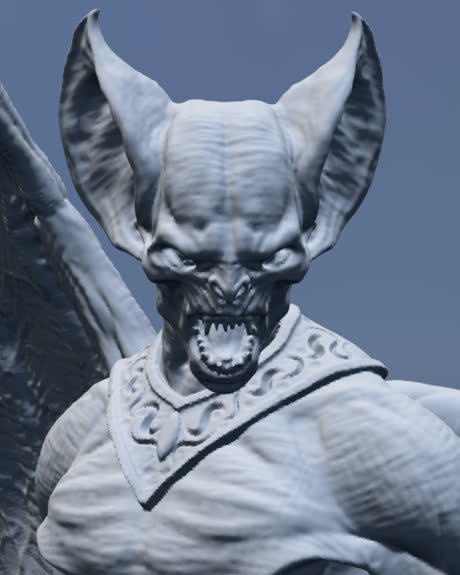
Model by Stormborn Collectibles
Your familiar techniques
 Paint
Paint Wash
Wash Speed
Speed Drybrush
 Stipple
 Airbrush
 Mask
Mask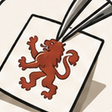 Decal
DecalBuild up color with Layering, pull out detail with Washes that settle into the recesses, and catch raised edges with a controlled Drybrush. Speed Paints flow into crevices, Stippling builds texture, and the Airbrush builds smooth transitions.
Use the Masking tool to protects part of the model like you would with hobby tape or putty. Apply Decals from any image to personalize your troops and vehicles.
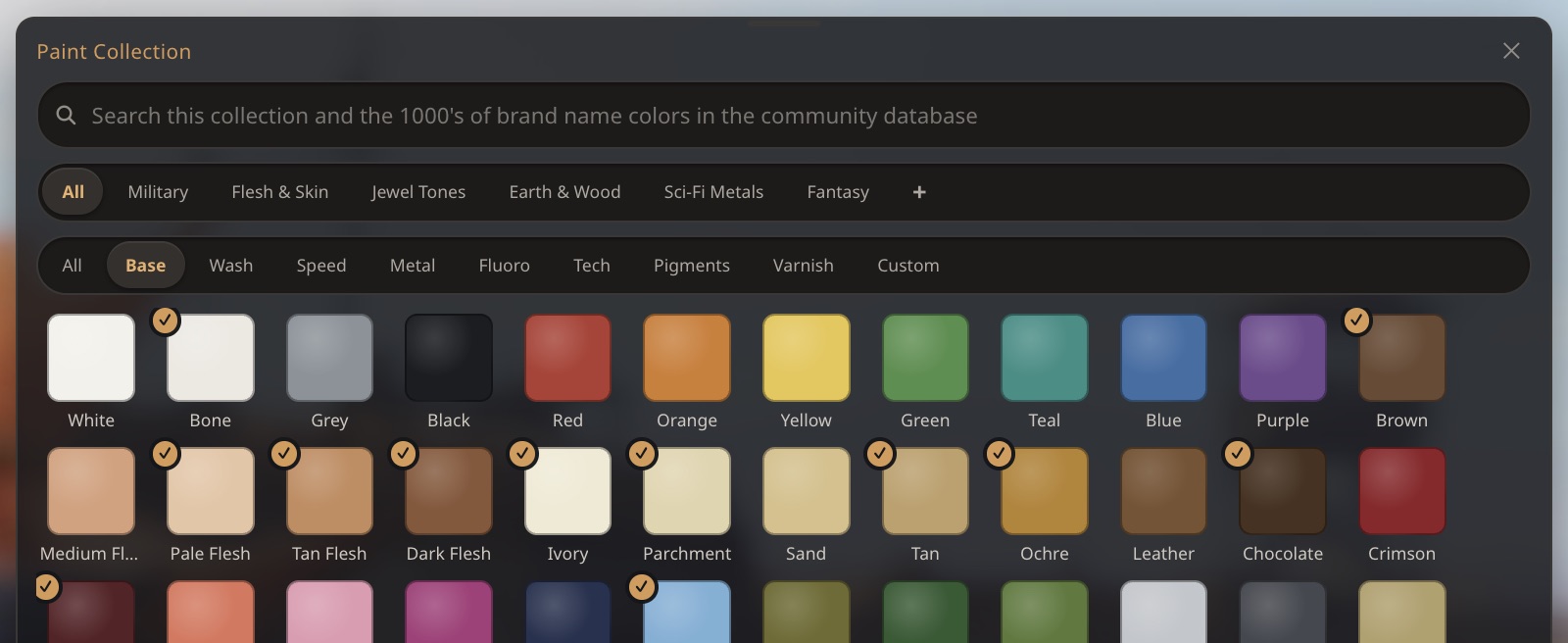
Huge collection of generic paints out of the box. Looking for a specific color from your painting desk? Simply search for it by name in the paint collection and we'll find you the closest match from our community database. Over 4700 paints available.
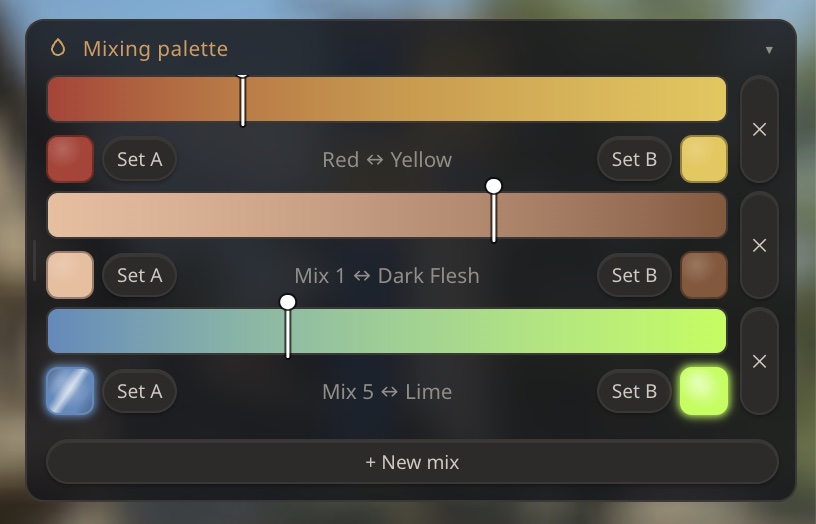
Create your own paint collections and recipes for each project. Use the mixing palette to create perfect layer transitions or when you're smoothing out your NMM colors.
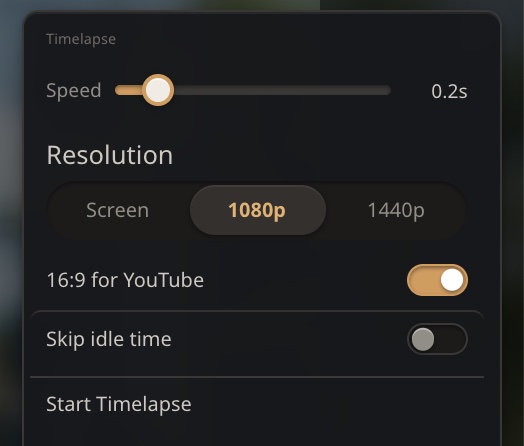
Do you record your painting sessions and share your process with friends and followers? Use our timelapse feature to document the whole process.
The timelapse captures your techniques and paints used and allows you to add them directly in your video in post-production.
Decorate your bases
Add a Round, Square, Oval or Rectangular base. Add a procedurally generated topper to give it some depth.
Paint it then add from a growing collection of basing materials like tufts, leafy plants, rocks and crystals.
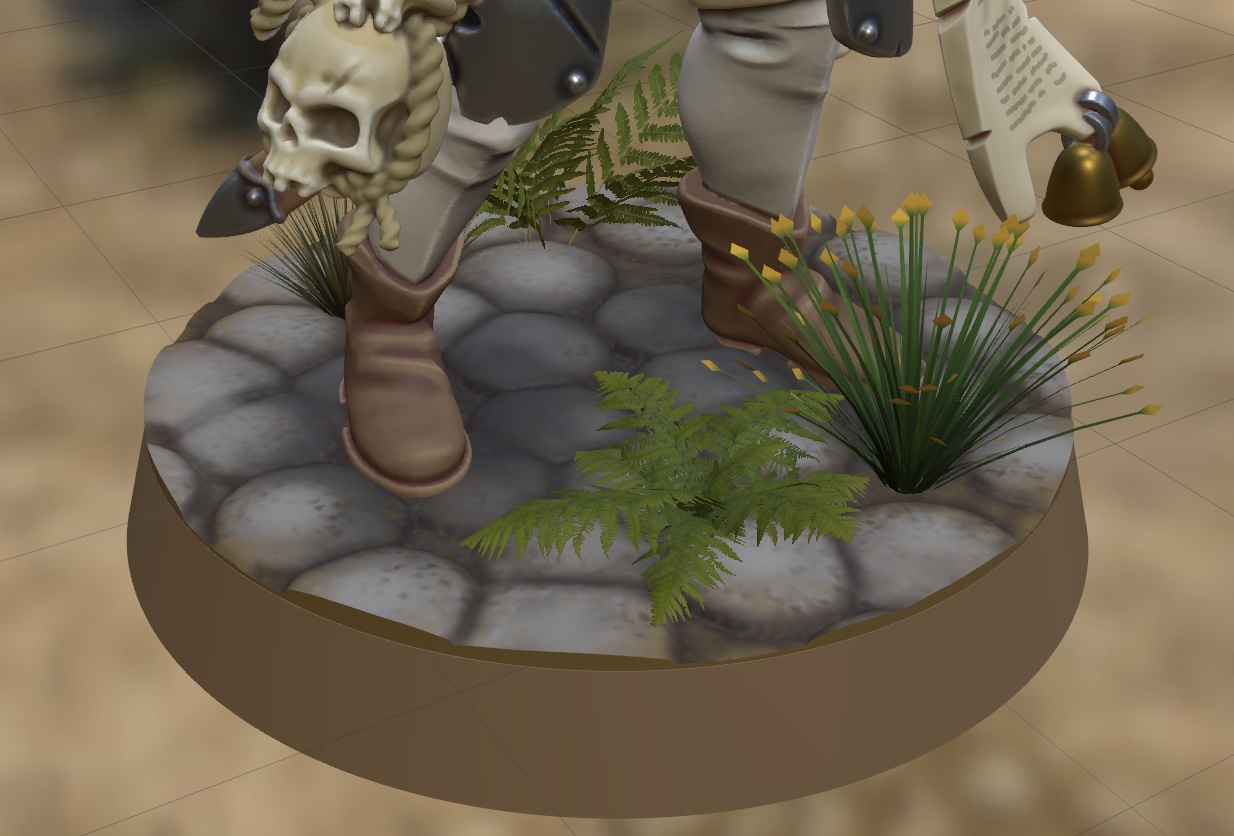
Model by Tauros Creative - Blades & Ashes Collection
Take your beauty shots and share
Set up gorgeous image and video renders of your finished mini. Spin it on a video turntable, light it with studio rigs, and let ambient occlusion sink the shadows into every crevice.
Perfect for showing off a paint job, entering a painting competition, or marketing a sculpt.
When you're happy with your results save the renders or share them with your friends and online followers.
Tag us, we'd love to see your minis! #myministudio
Model by Tauros Creative - Blades & Ashes Collection
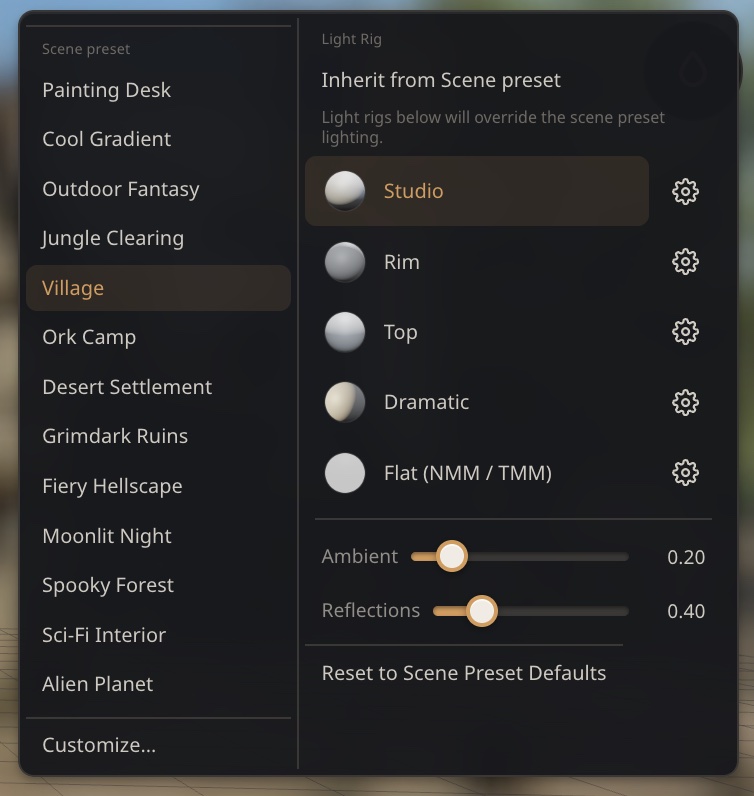
Drop your mini into a ready-made scene. Painting Desk, Village, Grimdark Ruins, Moonlit Night and plenty more, each one a full lighting setup straight out of the box.
Then stack light rigs on top: Studio, Rim, Top, Dramatic, or Flat for NMM and TMM. Nudge the ambient and reflections until it sits just right, and reset to the preset whenever you want a clean slate.
Export for color 3D printing
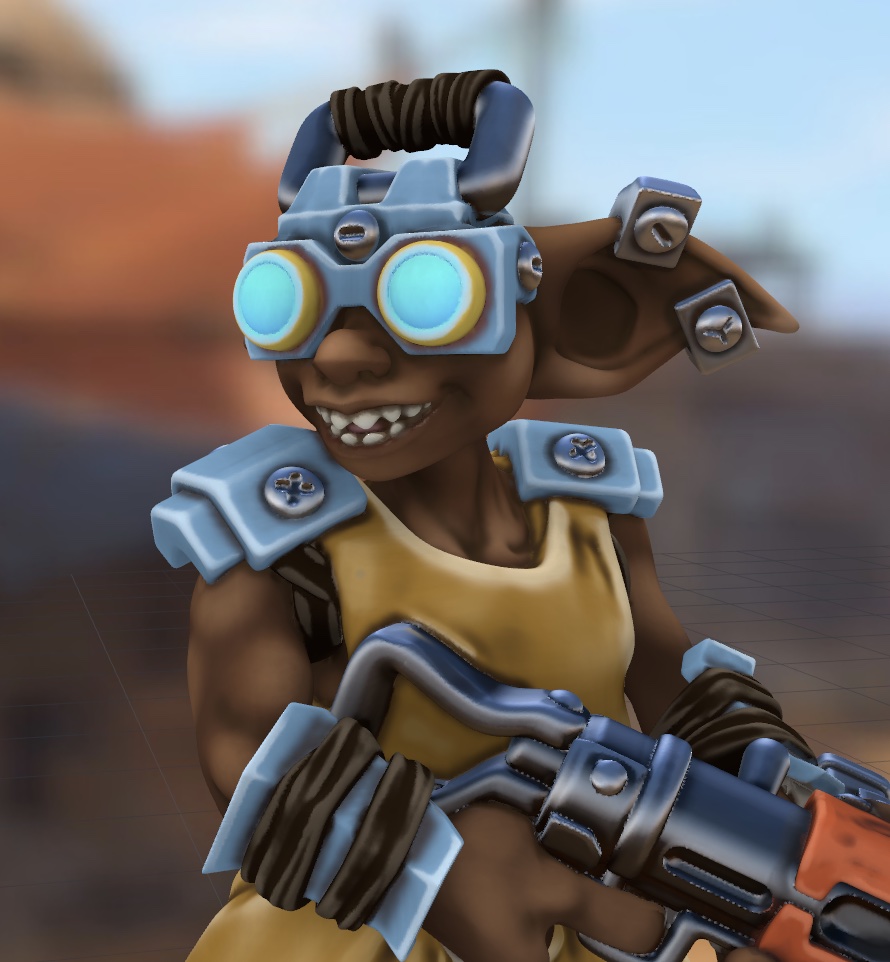
Model by One Page Rules
Color 3D printers are reaching affordable levels and some of you are already using online services for custom prints.
Export your painted model for color printing in PLY format.
Bake the Ambient Occlusion, scene lighting, shadows and glow into the model itself.
Full control over your metallics and NMM baking. Capture your environment in the exported model's paint.
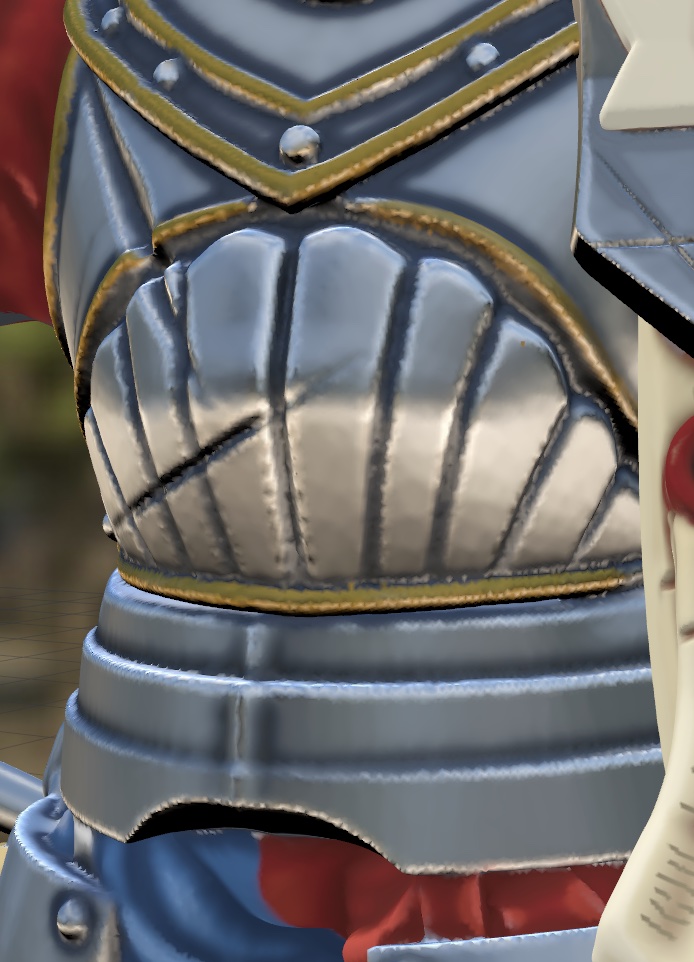
Model by Tauros Creative - Blades & Ashes Collection
Use it for FREE on any device
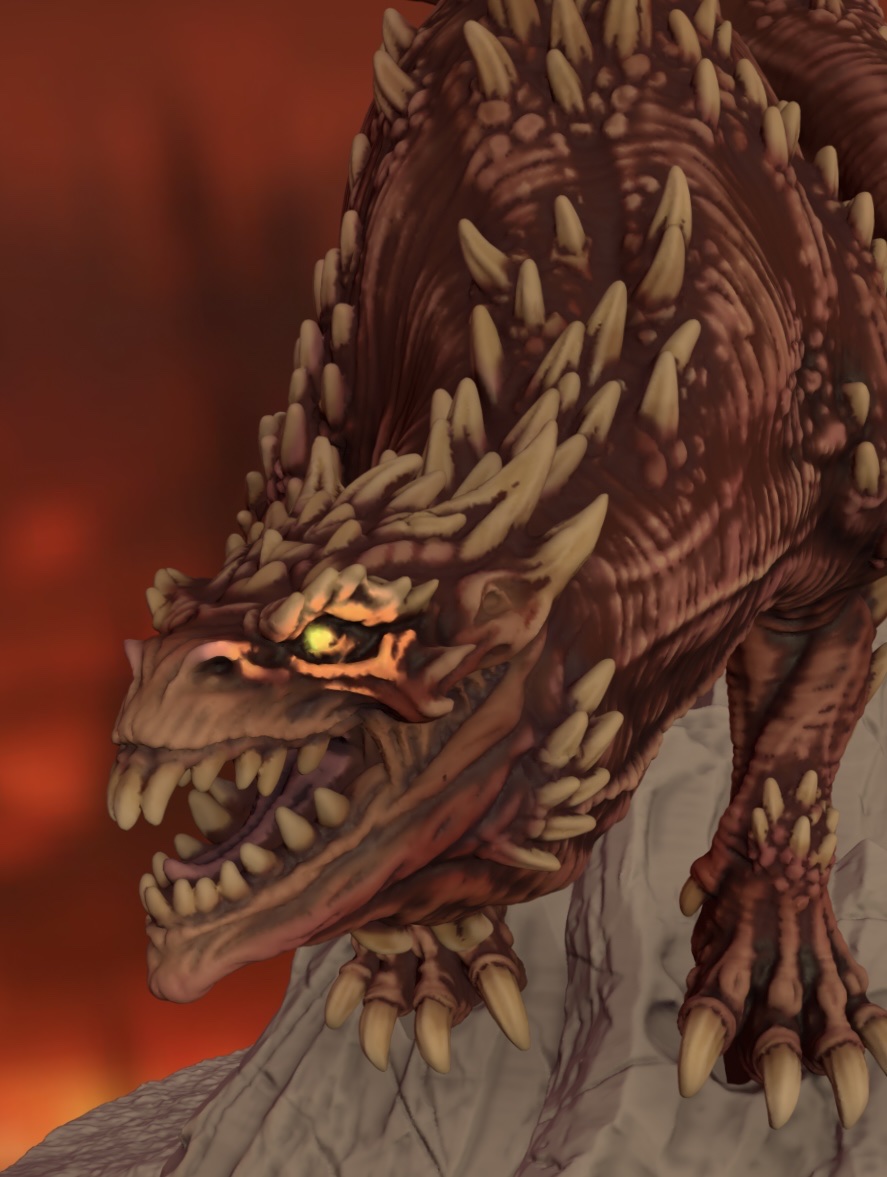
Model by Loot Studios
Runs in the browser on any device. Takes full advantage of your powerful hardware. Runs on older systems.
Majority of the features are absolutely FREE including all the painting features. No login required until you unlock Pro mode. Use it offline for a month without requiring internet.
All your files are stored on your device and not on our servers. There is no AI in this app. Everything you create is your handiwork.
MyMiniStudio is in private beta now with planned launch in November 2026.
Sign up for the beta →